


This section helps you to show the categories as columns. Shopify 2.0 allows you to add this section to any pages that you wanna use.
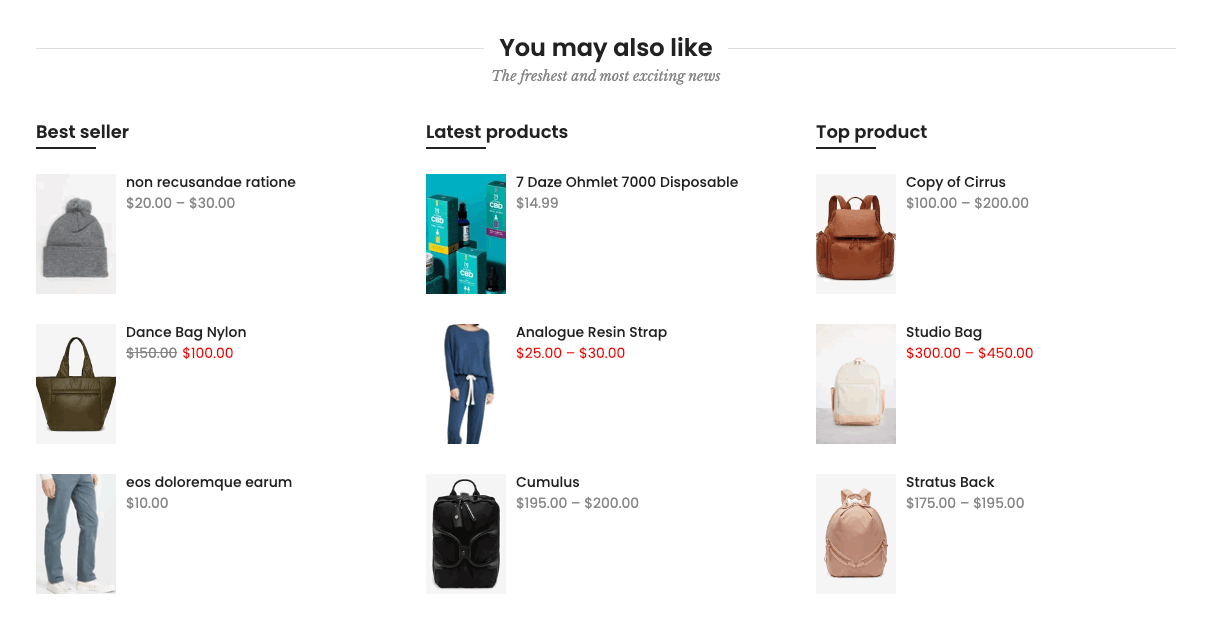
Steps: In the theme editor (Customize) > Add section > Collection list simple > Save.
1. Collection item
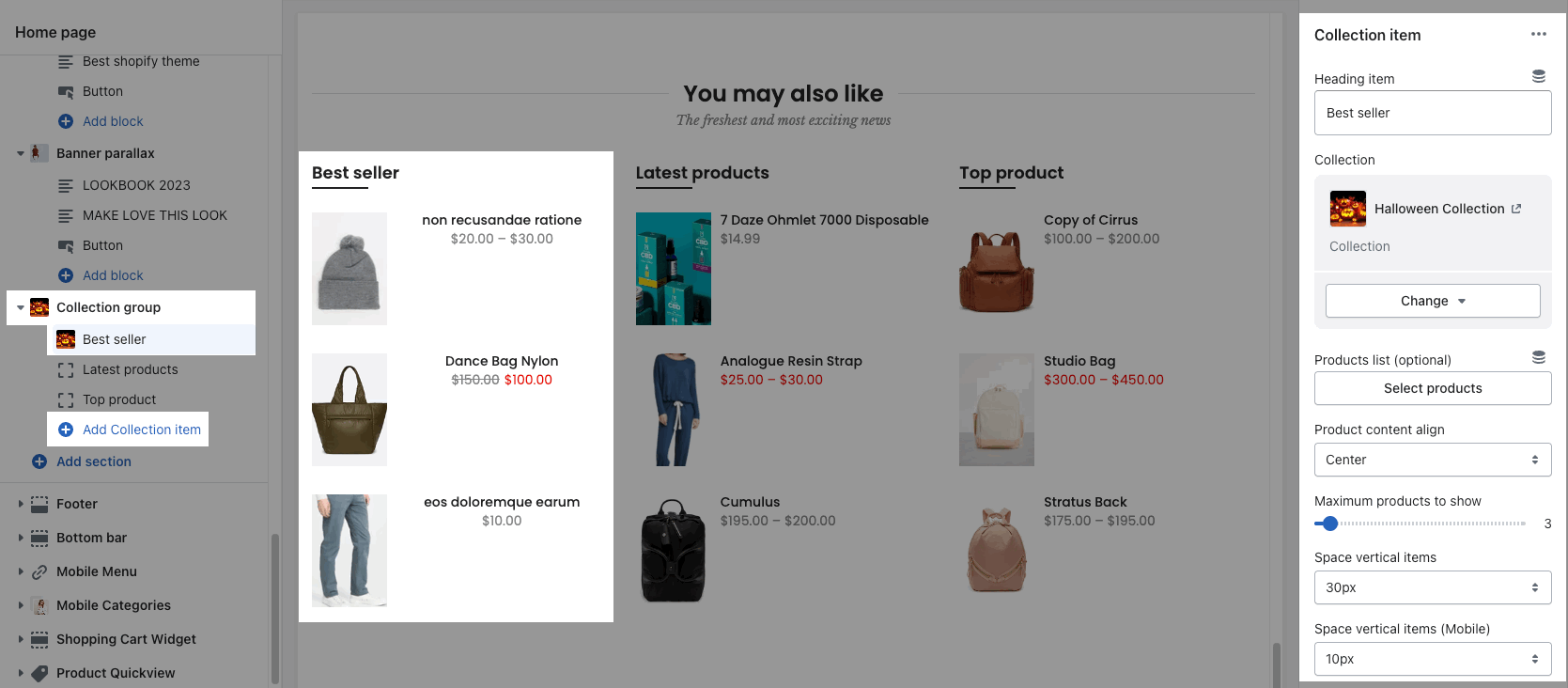
Go to Collection group > Add collection item. You can choose a Collection or Products list for each collection item.
choose Collection:
choose Products list:
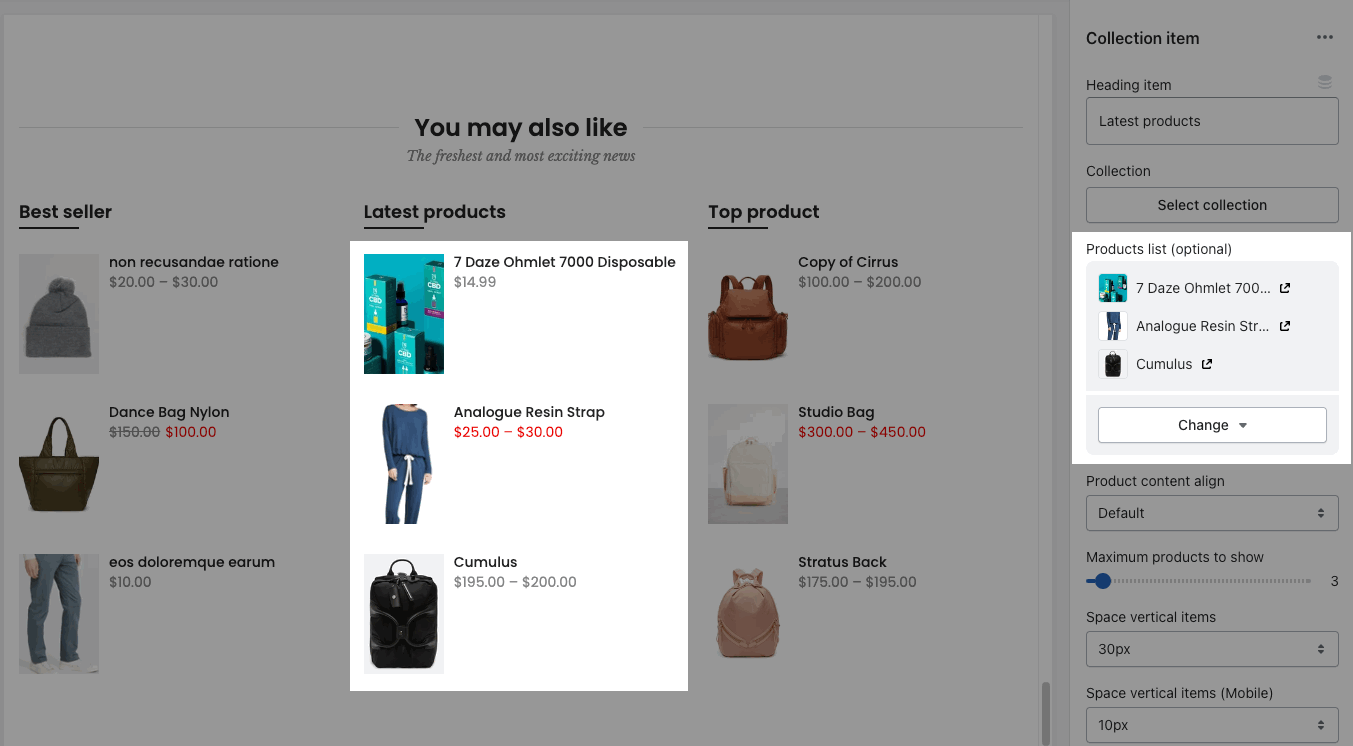
You are allowed to config Heading item, Product content align, Maximum products to show, Space vertical items.
2. Collection group settings
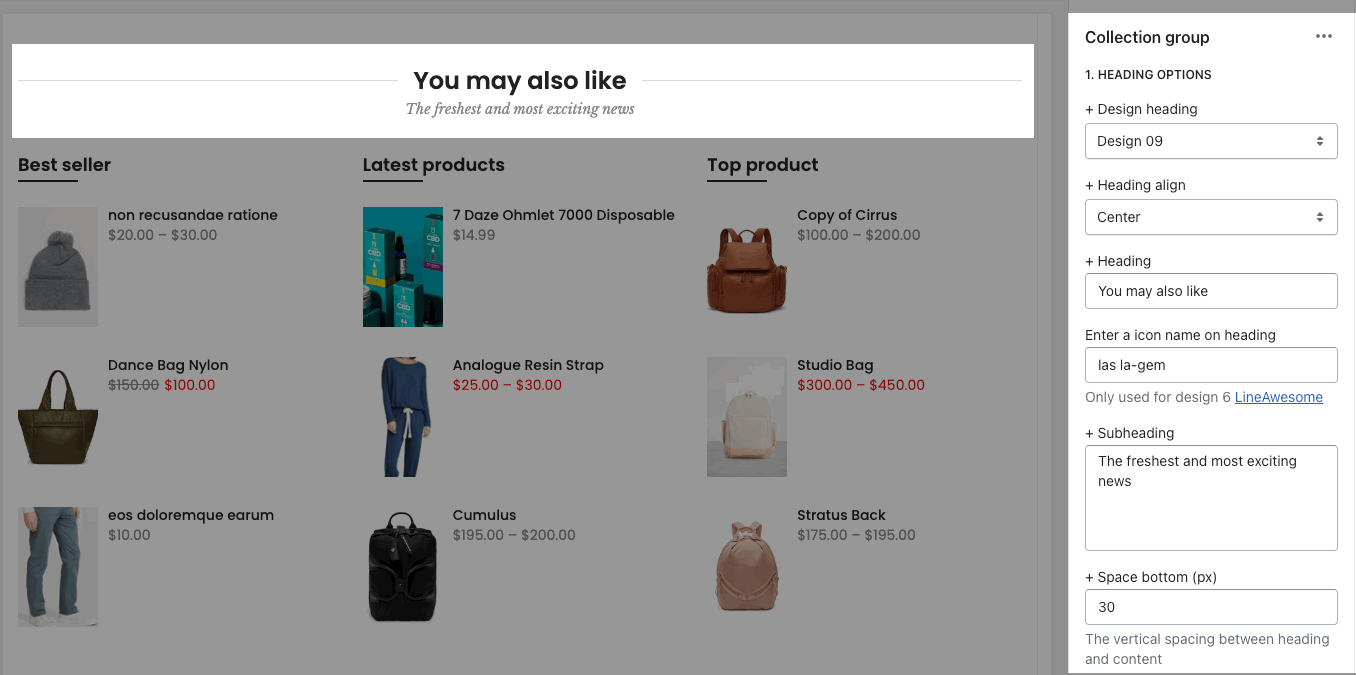
HEADING OPTIONS
You can enter the Heading and Subheading, choose the design for the heading, also can choose text align: center.
GENERAL OPTIONS
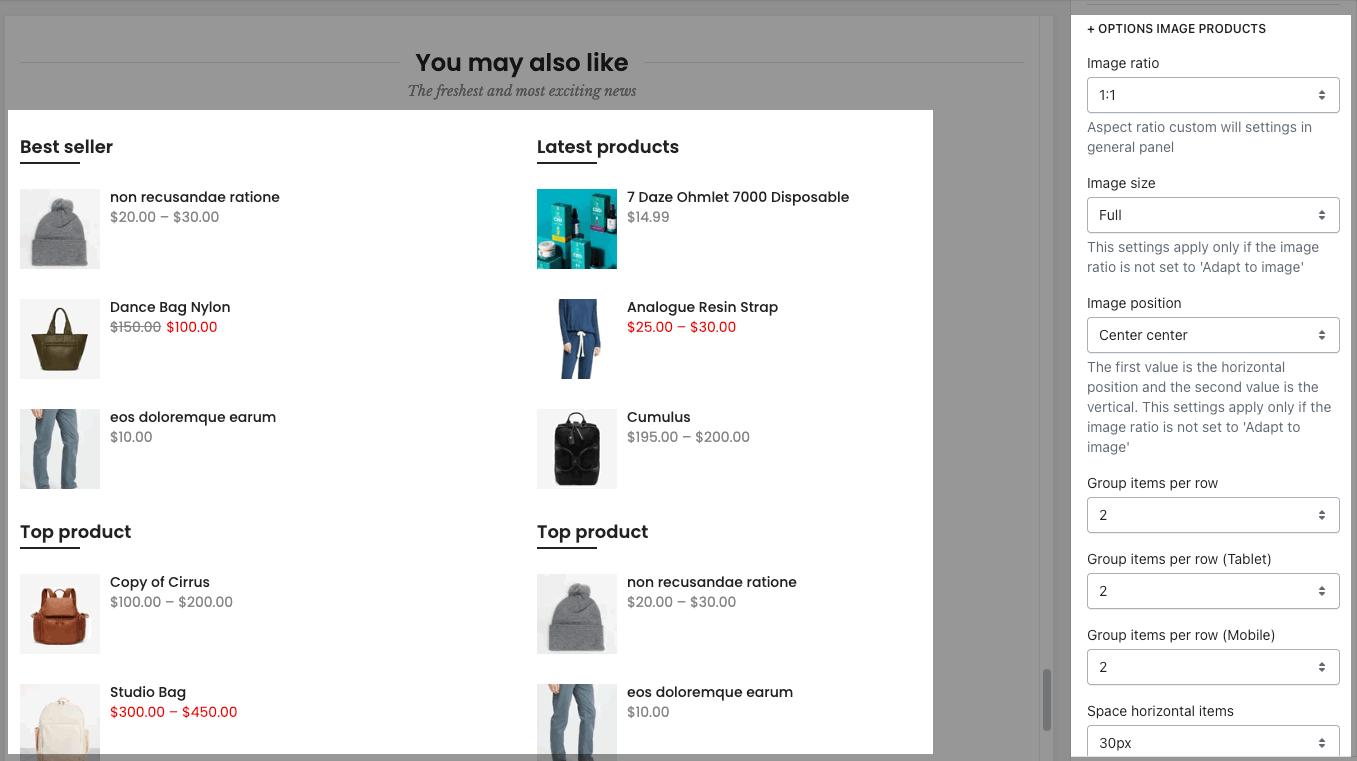
IMAGE OPTIONS: You can choose image effect, image ratio, image size, image position, also group items per row, and space between items.
DESIGN OPTIONS
Please follow this guideline to config Layout, Background, Margin/Padding for the section.


